Clean Dialogue: Make Student Videos Easier to Hear
Improve speech recordings with thoughtful microphone placement, room choices, and a focused audio review.
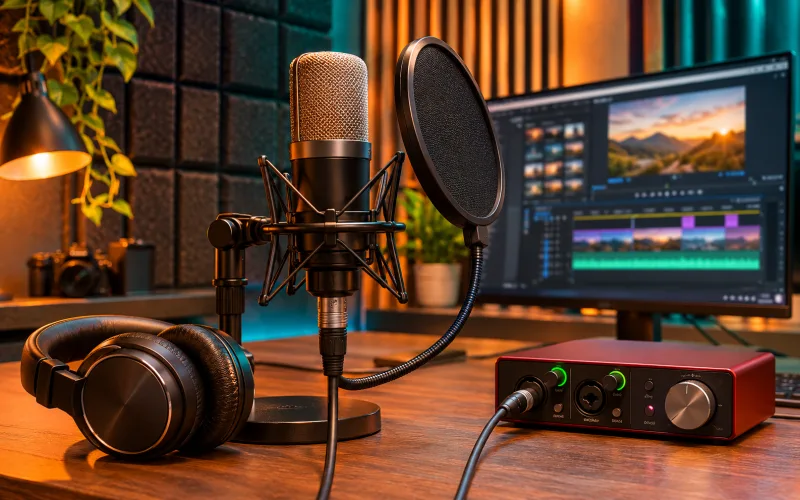
Improve the recording environment
Listen to the room before filming. Fans, traffic, and reflective surfaces may become more noticeable in a recording than they seem in person. Choose a quieter position and reduce avoidable noise. A better recording at the source is usually easier to work with than one requiring heavy repair.
Check placement and levels
Keep the microphone positioned consistently and avoid contact with clothing or moving objects. Make a short test recording and listen back. Watch for overload and leave room for louder speech. The appropriate setup depends on the microphone and recorder, so confirm it through a real test.
Edit for clarity
Remove distracting gaps or noises carefully without making the voice feel unnaturally interrupted. Use processing conservatively and compare with the original. Excessive noise reduction can introduce watery or metallic sounds. Keep speech understandable when music and effects are present, rather than treating dialogue as just another background layer.
Review the whole mix
Listen with headphones and with ordinary speakers at a comfortable level. Check transitions between clips and whether any sentence becomes hard to follow. Follow the delivery requirements for the intended destination. Add accurate captions as a separate aid, and check them against the final edit rather than an earlier script.
Explore related courses